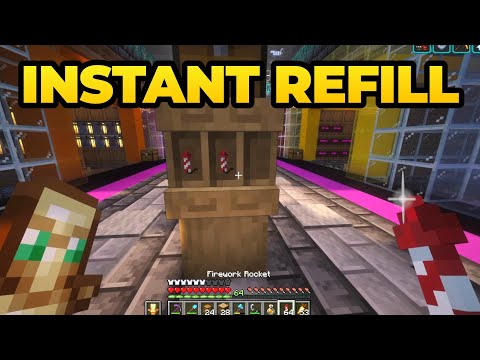
Master Your Elytra: Build the Ultimate No-GUI Auto Rocket Refill Station in Minecraft
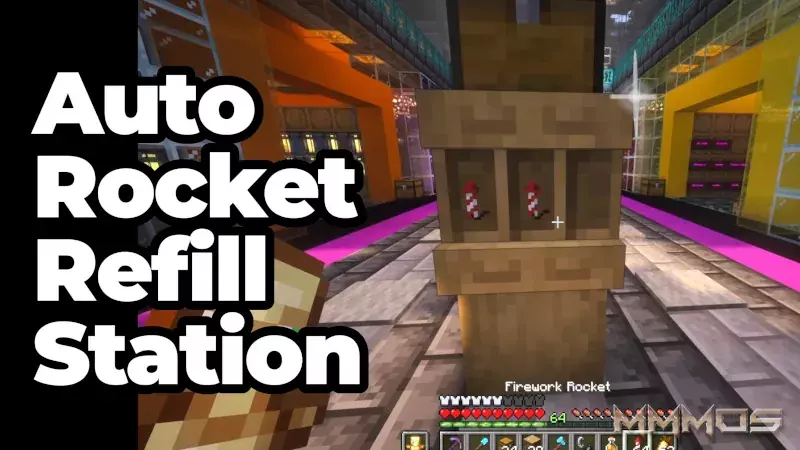
Every seasoned Minecraft player knows the pain: you're soaring through the air with your Elytra, your rockets run out, and you have to break your flight mid-air just to open a barrel or chest and manually drag a new stack of fireworks into your inventory. It's a major flow killer.
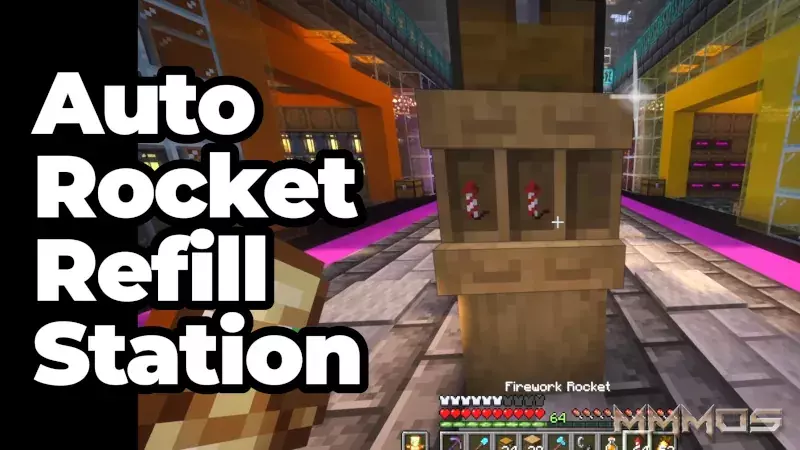
Thanks to a clever usage of the new Shelf item, you can now build a game-changing automatic refill station that lets you swap an empty stack for a full one with a single right-click - no inventory menus needed. This is the fastest, most convenient way to keep your flight going.
Why This Build is Better Than Barrels
Traditional item storage requires opening a GUI (Graphical User Interface). This build bypasses that step entirely, treating the Shelf not just as decoration, but as a dynamic storage block. When your empty rocket stack is in your hand, a quick right-click on the shelf immediately pulls a full stack from the hopper system and places it into your hotbar.
It’s the perfect quality-of-life upgrade for any survival base, especially near your main Elytra launch pad.
Step-by-Step: Building Your Auto Rocket Refill Station
This build is surprisingly simple, requiring only a few basic blocks and mechanisms:
Materials Needed:
- Logs (of any type)
- One Chest (or Barrel)
- One Hopper
- Multiple Shelf Blocks
- Fireworks Rockets
The Build Process:
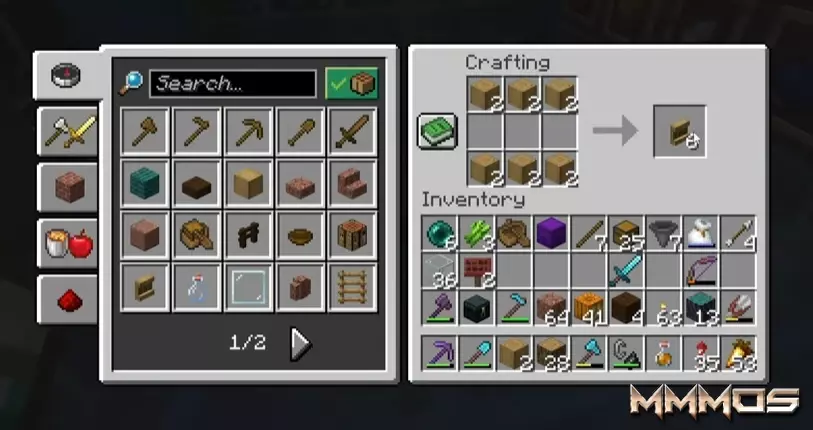
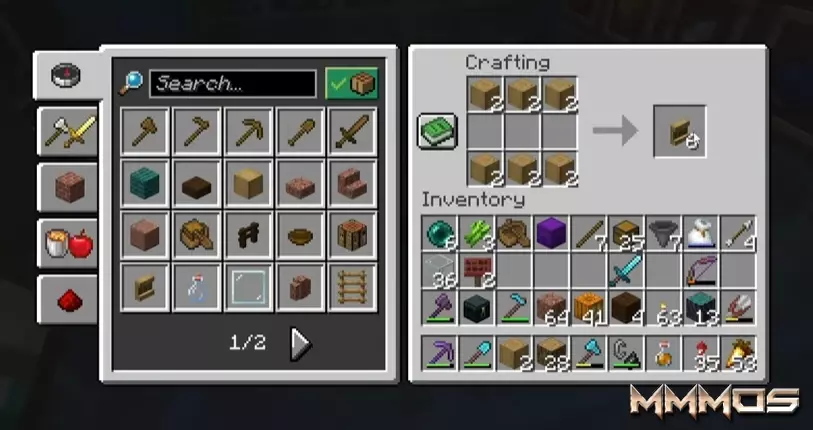
- Prepare the Shelves (0:34): First, strip a couple of logs. You will need 6 stripped logs to craft one Shelf block. Craft enough shelves for the stacks of rockets you wish to store.
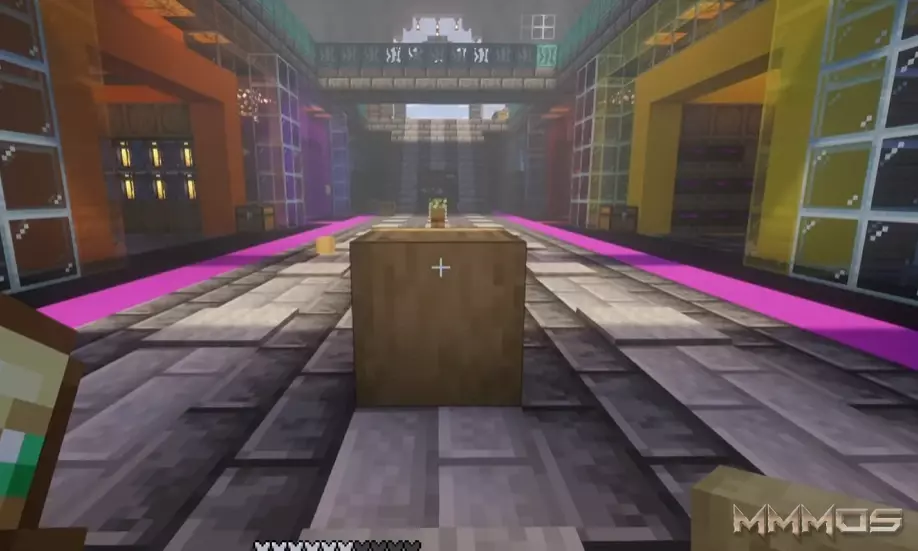
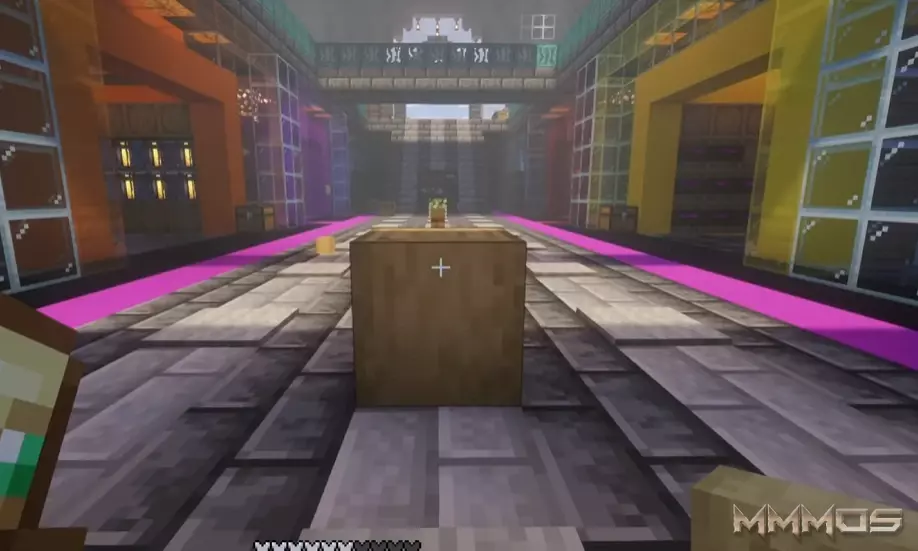
- Place the Shelf (0:45): Determine where you want your station to be and place the Shelf block. This is the item you will interact with.
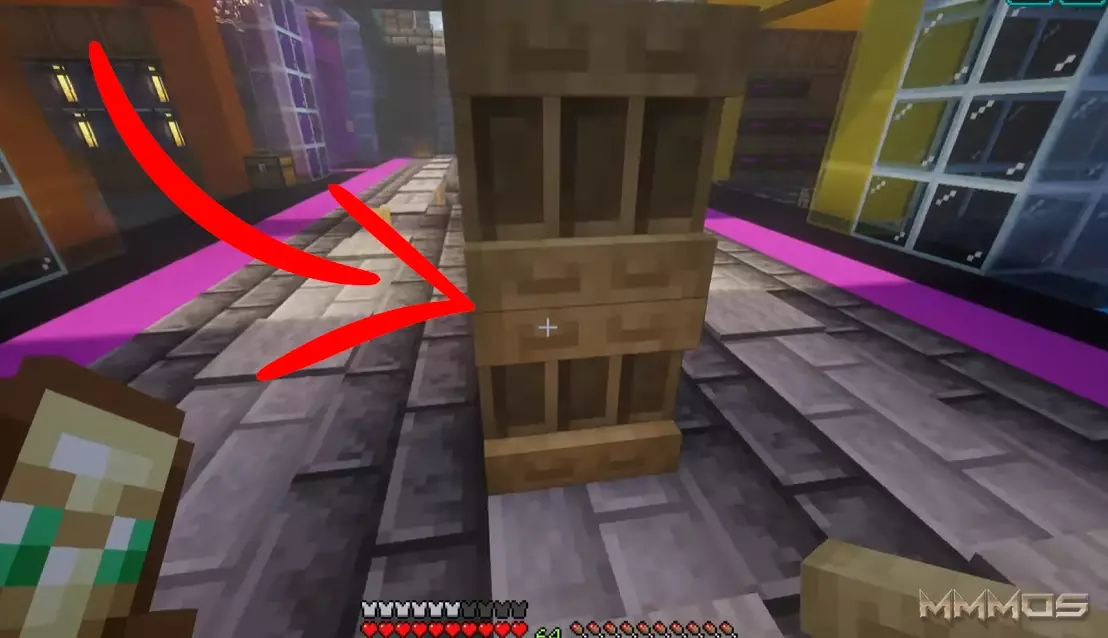
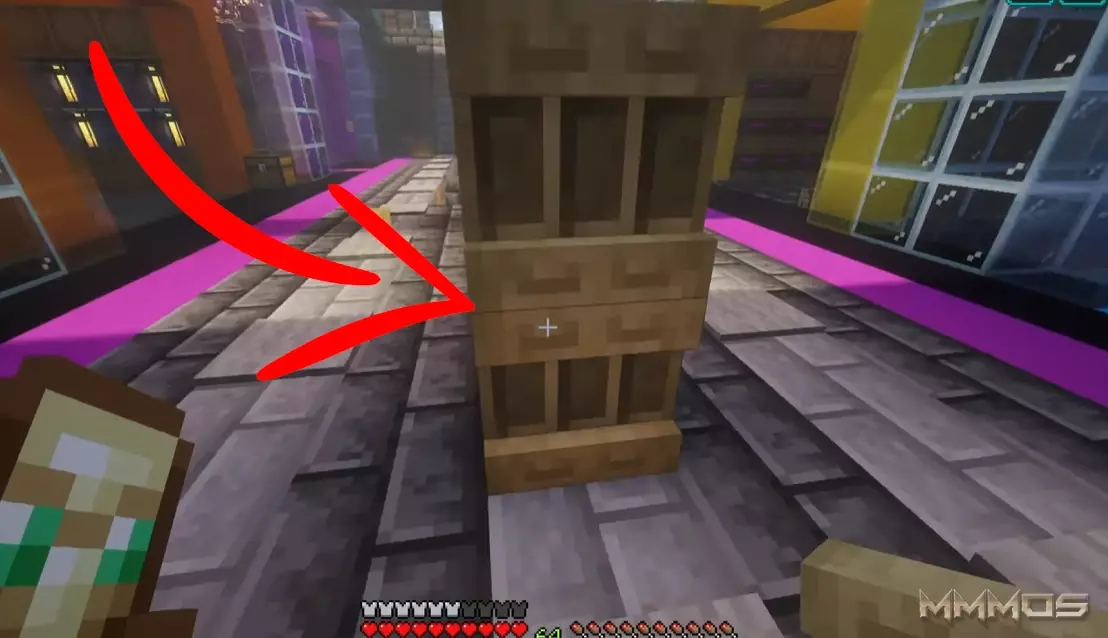
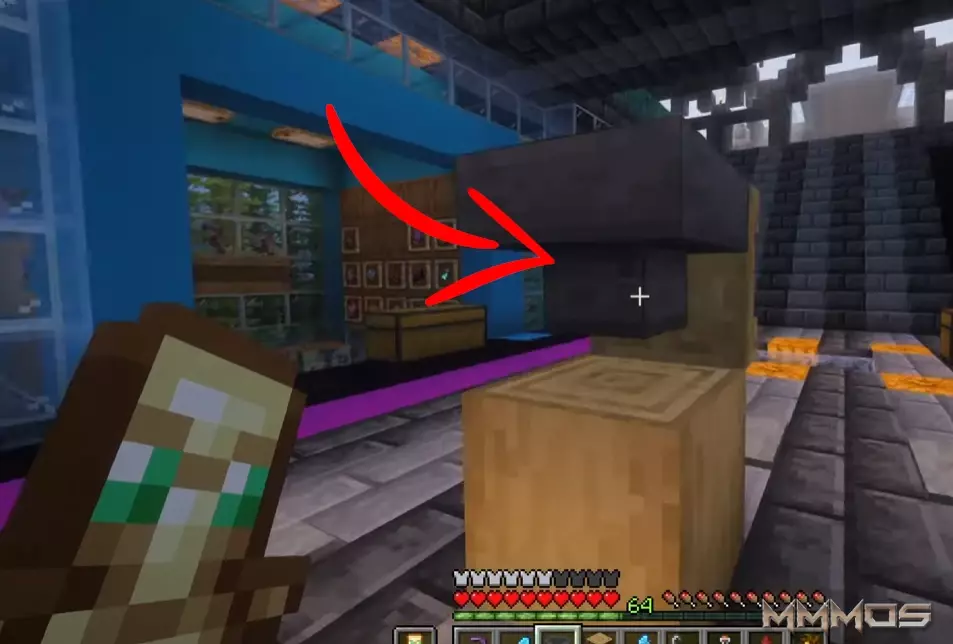
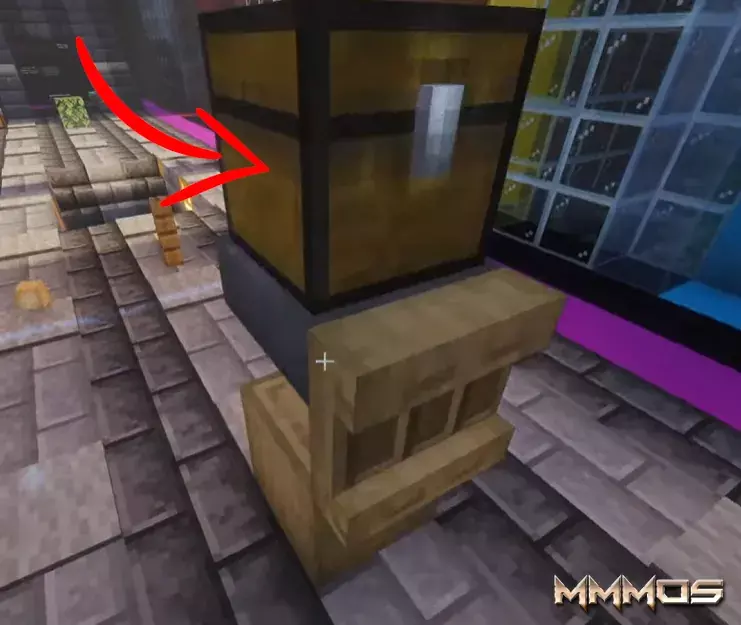
- Set Up the Hopper Loader (0:45 - 1:15): Move behind the Shelf. Place a Hopper directly into the back of the Shelf block. The output of the Hopper must be pointing into the Shelf.
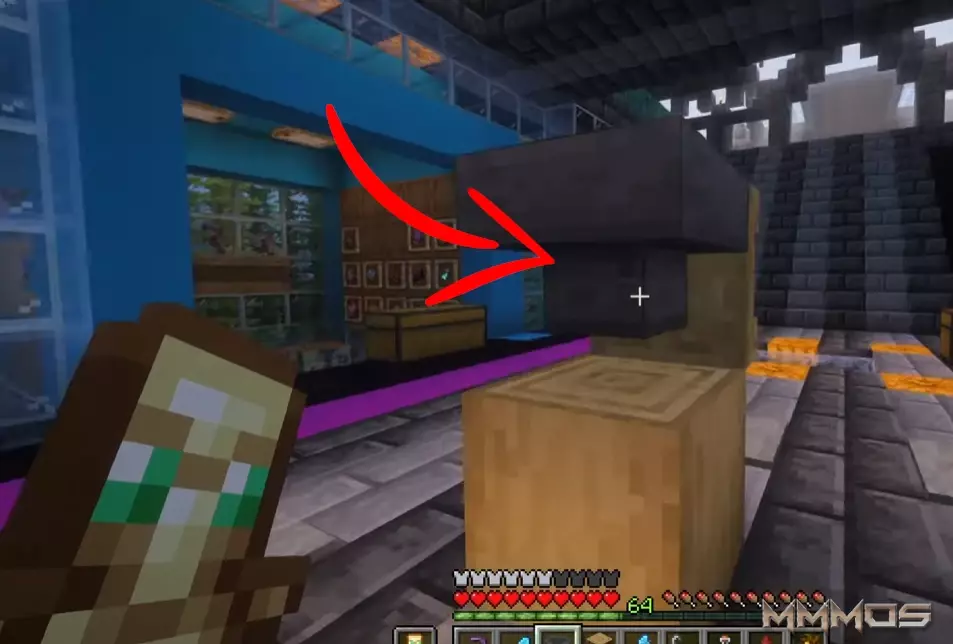
- Add the Supply Chest (1:15): Place a Chest (or another container) on top of the Hopper. This chest acts as the bulk storage supply for all your rockets.
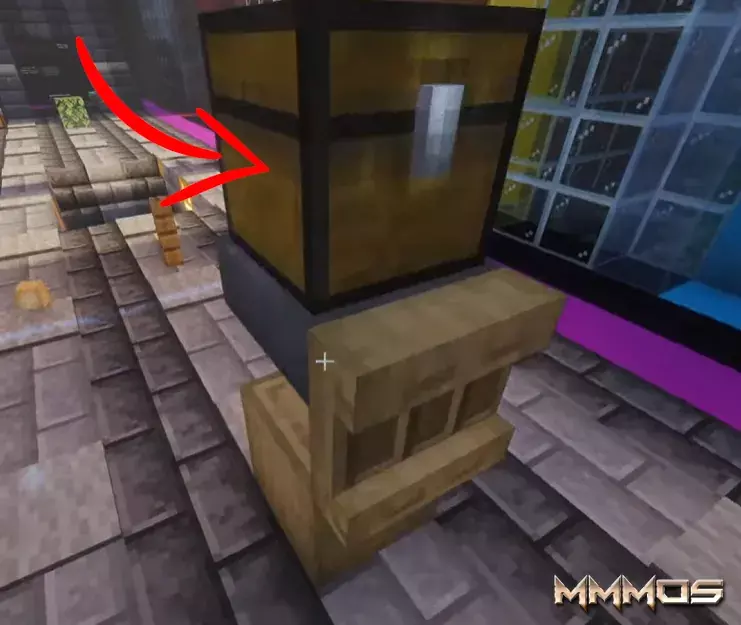
- Load the System (1:15 - 1:32):
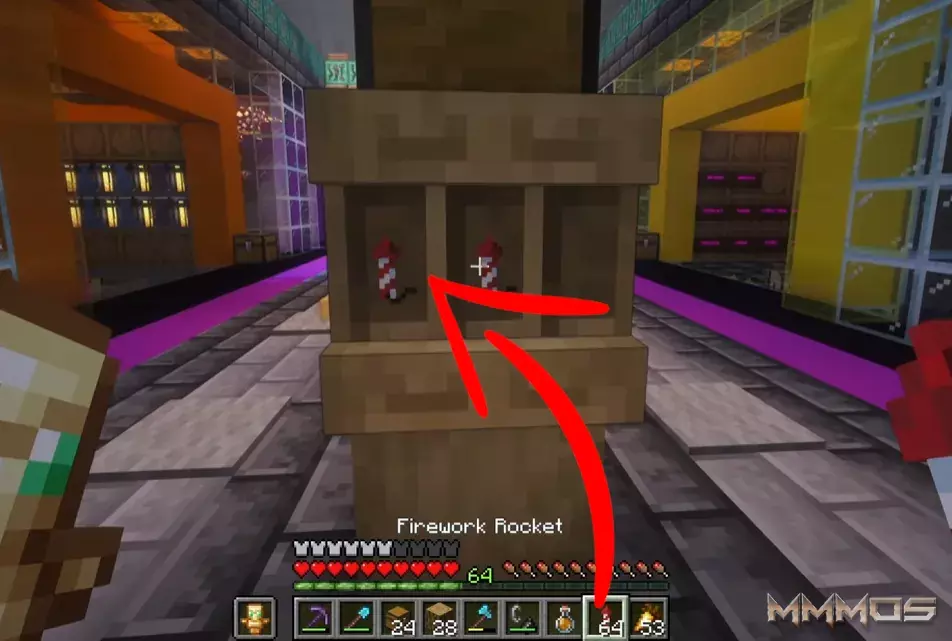
- Place your initial stacks of rockets directly onto the shelves.
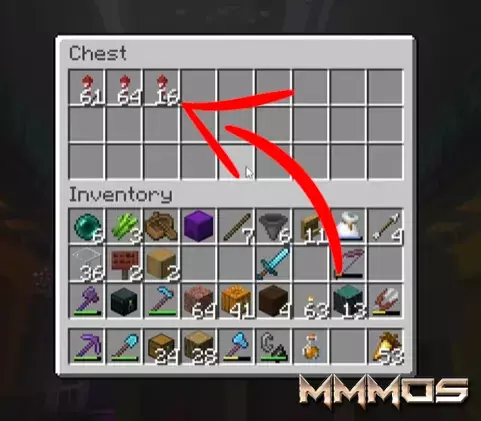
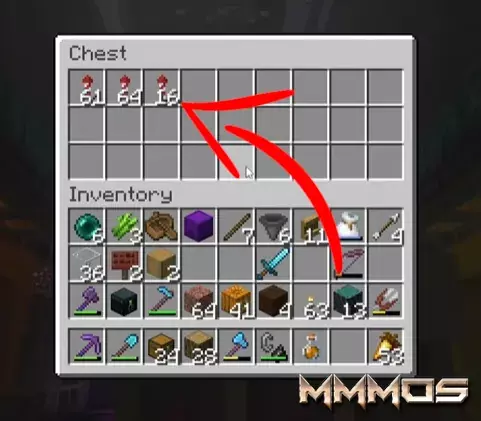
- Fill the top Chest/Container with dozens (or hundreds) of stacks of rockets.
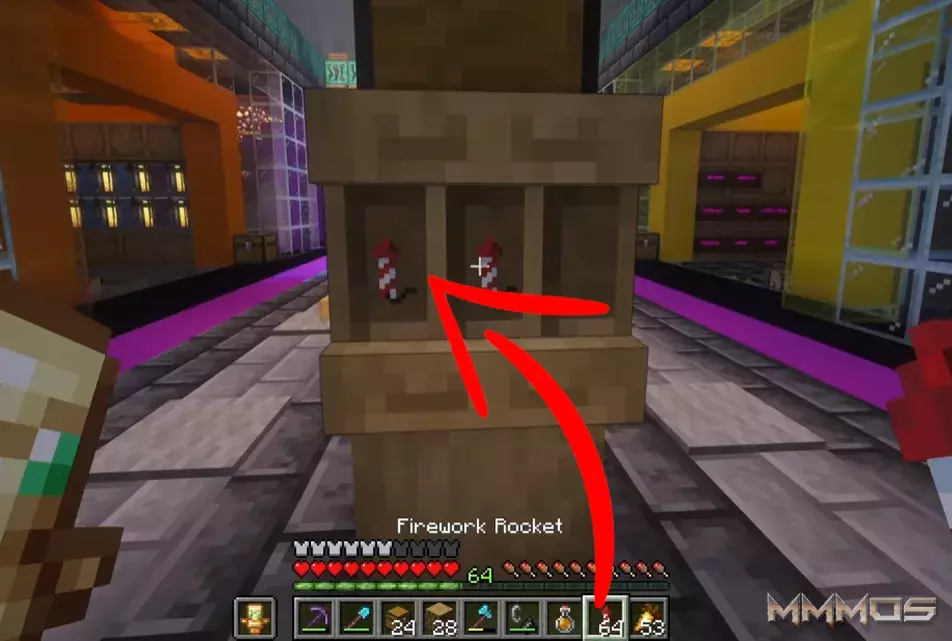
- Place your initial stacks of rockets directly onto the shelves.
How to Use It
The system is now fully operational! When a stack of items is removed from a shelf, the Hopper immediately detects the empty slot and pulls a new stack from the Chest above, pushing it into the Shelf.
To Refill: When your rocket stack is empty, simply hold the empty stack and right-click the Shelf. The empty stack will be deposited into the shelf slot, and the hopper will instantly push a new full stack of rockets onto the shelf, which you can then immediately grab.
This bypasses the need to open any inventory, making the refill seamless and instant.
For a complete visual walkthrough and demonstration of the speed, check out the original video:
Watch the full Minecraft Auto Rocket Refill Tutorial
Happy Flying!







Auto Rocket Refill Station - Place your initial stacks of rockets directly onto the shelves
1:32 am, December 17, 2025 Minecraft
Stop Using Barrels. This New Shelf Trick is Better.
This build allows you to instantly swap an empty stack for a full one with a single click - no inventory menus required. It’s the perfect addition to your Elytra launch platform or main base.
1:35 am, December 17, 2025 Minecraft

Build the Ultimate No-GUI Auto Rocket Refill Station in Minecraft
2:19 am, December 17, 2025 Minecraft
Add Comment
MMMOs Gaming